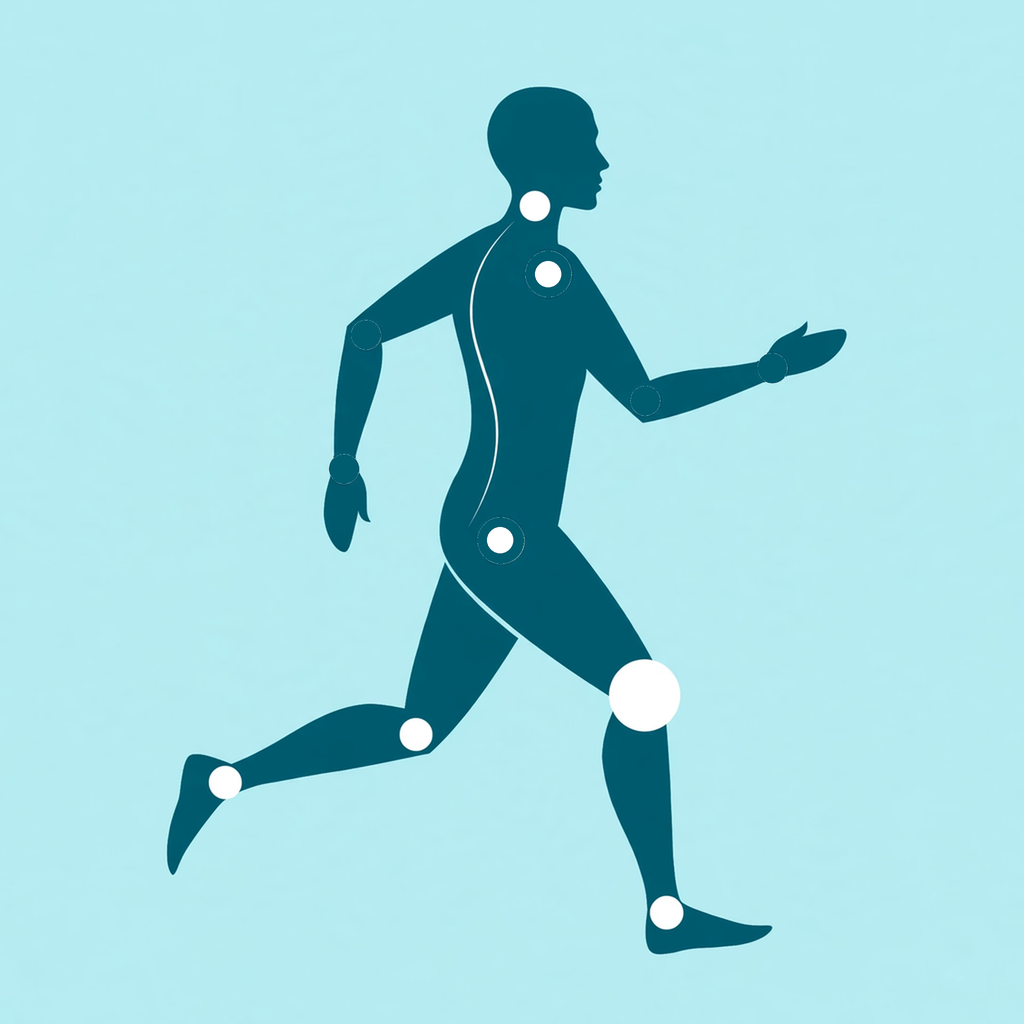
Not a form score from a 10-second clip — a guard for your whole run. RunAlign watches your trunk, knees, and cadence for the full treadmill session, checks in every few minutes, speaks a cue after every check, and shows you the minute your posture starts to collapse.
One run is all it takes to see your collapse point.
2 ChecksSide & Front
11 SignalsSpine · knees · cadence
Voice-GuidedA cue after every check
Set it up, then just run
Place the phone. Run. Hear your form.
01 / SET UP
Pick a check and calibrate once.
Put your iPhone on a stand — at your side for the Side Check, low in front for the Front Check — and choose your check interval and treadmill incline. A 30-second automatic calibration (stand still for 10 seconds, then run at your normal pace for 20) sets your personal baseline. No screen-watching: voice prompts lead every step.
02 / MONITOR
A short check every few minutes.
Every 1, 2, 3, or 5 minutes, RunAlign samples about 10 seconds of your running and scores it against your baseline. You hear one voice line after every check — a form cue if a problem persists, "Well done" when you are holding form. Your music keeps playing, dipping only while a cue speaks.
03 / REVIEW
See when your form folded.
After the run, History shows the window-by-window timeline, the minute your form folded, and each signal's good-form share — so you know exactly what to fix first next time. Trend lines your runs up over weeks at the same incline.
Two ways to watch a run
Spine and knees from the side. Alignment from the front.
RunAlign starts with 4 free full runs, shared by both checks. RunAlign Pro unlocks unlimited monitored runs, all checks, trends & export — monthly, yearly (with a 7-day free trial), or a one-time lifetime purchase. Prices are shown in the app for your region.
Side Spine/Load Check
Phone on a stand at your side, full body in frame; one run reads both groups together.
Spine Check: trunk fold, whole-body lean, and head position — the habits that shift load between your knees, hips, and lower back.
Knee Load Check: cadence drop, overstriding, knee bend at landing, and bounce — the signals that creep up as you tire.
Ends with your collapse minute: "Your form folded at minute X," plus the weakest signal to work on.
Front Alignment Check
Phone low in front of the treadmill, tilted up — only your hips, knees, and ankles need to be in frame.
Watches knees caving in, crossover steps, arm swing, and pelvis level — the frontal-plane habits a side view can't see.
Same automatic calibration and the same voice cue after every check.
Rotate it with the Side Check — one week side, one week front — for the full picture.
Your run, on your device
Joints, not video. Kept close.
RunAlign reads camera frames on your iPhone and discards them — video is never recorded, saved, or uploaded, and all analysis runs on your device. What the app keeps is numbers: joint positions during each check, per-window results, and your run history. Everything stays in the app until you share or delete it. There is no account and no server.
RunAlign is a posture and load awareness tool for treadmill runners. It is not a medical device, does not diagnose, treat, or prevent any injury or medical condition, and its measurements have not been clinically validated. Lighting, clothing, and phone placement can affect results. If you experience pain during or after running, stop and consult a qualified healthcare professional.